JoFotara invoices as audit evidence: what to ask for and what to check
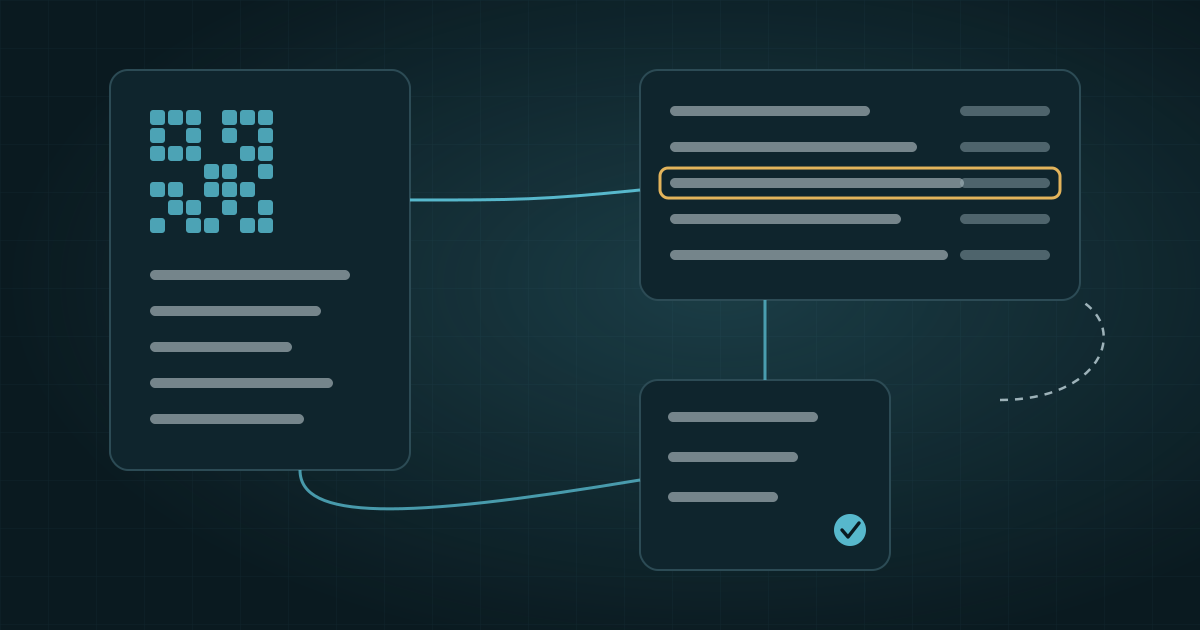
Many Jordanian clients now issue sales invoices through JoFotara, the national e-invoicing system run by the Income and Sales Tax Department (ISTD). For the auditor it is more than a tax matter: the system holds a record of the client's issued invoices that sits outside the client's ledger. Rules and exemptions change, so confirm the current position in the Department's instructions.
Who has to use it
The obligation was introduced in phases and some exemptions apply, so ask which phase and which exemption apply to your client. A Department notice also says that from 1 April 2025 domestic purchases of goods and services should be supported by invoices issued through the system or a linked system, so that expenses are not disallowed. Supplier invoices therefore matter for your client's tax expense too.
What an e-invoice contains
According to the Department's procedures guide and the portal manual, an invoice shows a QR code; the seller's invoice number and the electronic invoice number the system assigns; the issue date; the seller's name, tax number and income-source sequence; buyer details; lines with quantity, price, discount, tax rate and tax; and totals. Ask which identifiers the client's export carries, and match on those.
How to obtain the records
- The portal. The manual says the main (Admin) user sees all invoices under the tax number, however issued (portal, mobile app or linked system); a sub-user sees only their own. The "view invoices" screen offers search filters, an Excel export, a download of a single invoice, and a count of issued credit notes. The portal may limit how many invoices one download holds, so for a large client export by period and record the counts.
- Let the client run it. Ask the client's main user to produce the export while you watch, and keep the file with the date, the filters and the invoice count. Do not ask for the login. ISA 500 asks you to consider whether information produced by the entity is reliable, including its completeness and accuracy; an export you saw generated is easier to defend.
- Purchases. The manual we read describes issued invoices only. We found no documented export of received invoices, so take purchase invoices from the client's files and the suppliers' copies.
Six checks
- Completeness of sales. Total the export by month and tax treatment and compare it with revenue and output tax in the ledger. Look both ways: invoices in the export missing from the ledger (unrecorded sales), and ledger sales with no e-invoice (a compliance point, and a possible existence issue).
- Cut-off. The export gives the issue date, which is not always the delivery or service date. Test invoices issued just before and after year-end against delivery evidence and posting dates.
- Credit notes and reversals. The manual describes returning an invoice through the portal, which produces a credit note tied to the original electronic invoice number. List the credit notes, especially large ones and those just after year-end, and trace them to returns or agreed adjustments and to ledger entries. Ask how the client corrects an invoice, and which statuses the export shows.
- Copies, QR and numbers. For a sample of ledger sales, take the invoice copy and agree number, date, amount, buyer and tax number to the export. Check that a QR code is present. A general QR reader shows only what is encoded, not whether the Department accepted the invoice; use the verification channel the Department specifies.
- Buyer tax numbers. Compare buyer names and numbers with the customer file. Look for missing numbers where the guide expects them, one buyer under several spellings or numbers, and related parties. Identifiers of individuals are personal data and need handling as such.
- Sales tax returns. Agree the export's tax by period and rate to the returns filed and to the ledger's output-tax account, net of credit notes, and explain every difference.
One check on screen
Zimam recognises a JoFotara export as a document type and matches invoices to ledger lines by fixed rules; the auditor confirms each doubtful match. A real JoFotara QR is recorded as present, not decoded, and is never called verified.
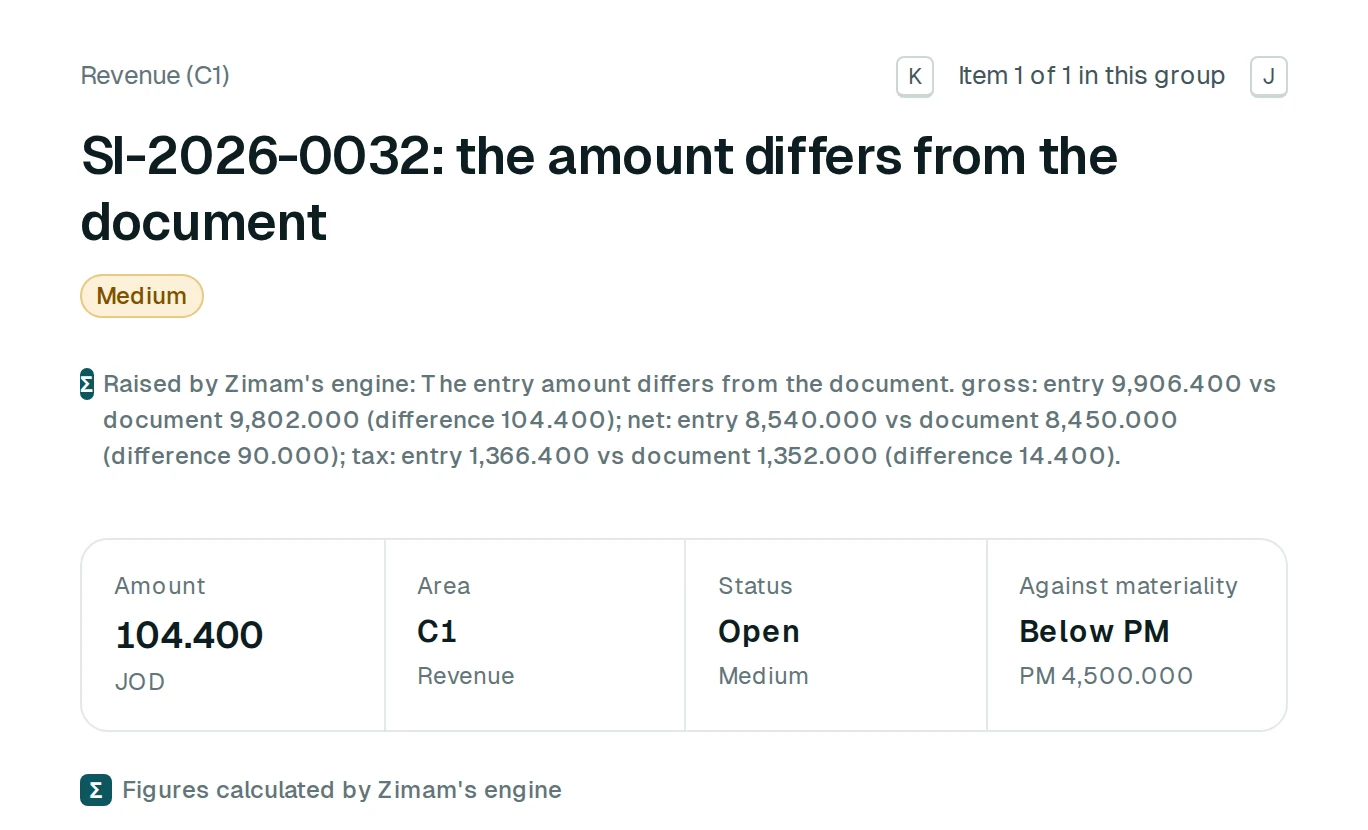
Zimam is not affiliated with, endorsed or approved by the Income and Sales Tax Department or any other authority.
This article is general information, not professional advice; it does not replace your firm's methodology or the auditing standards adopted in your country.